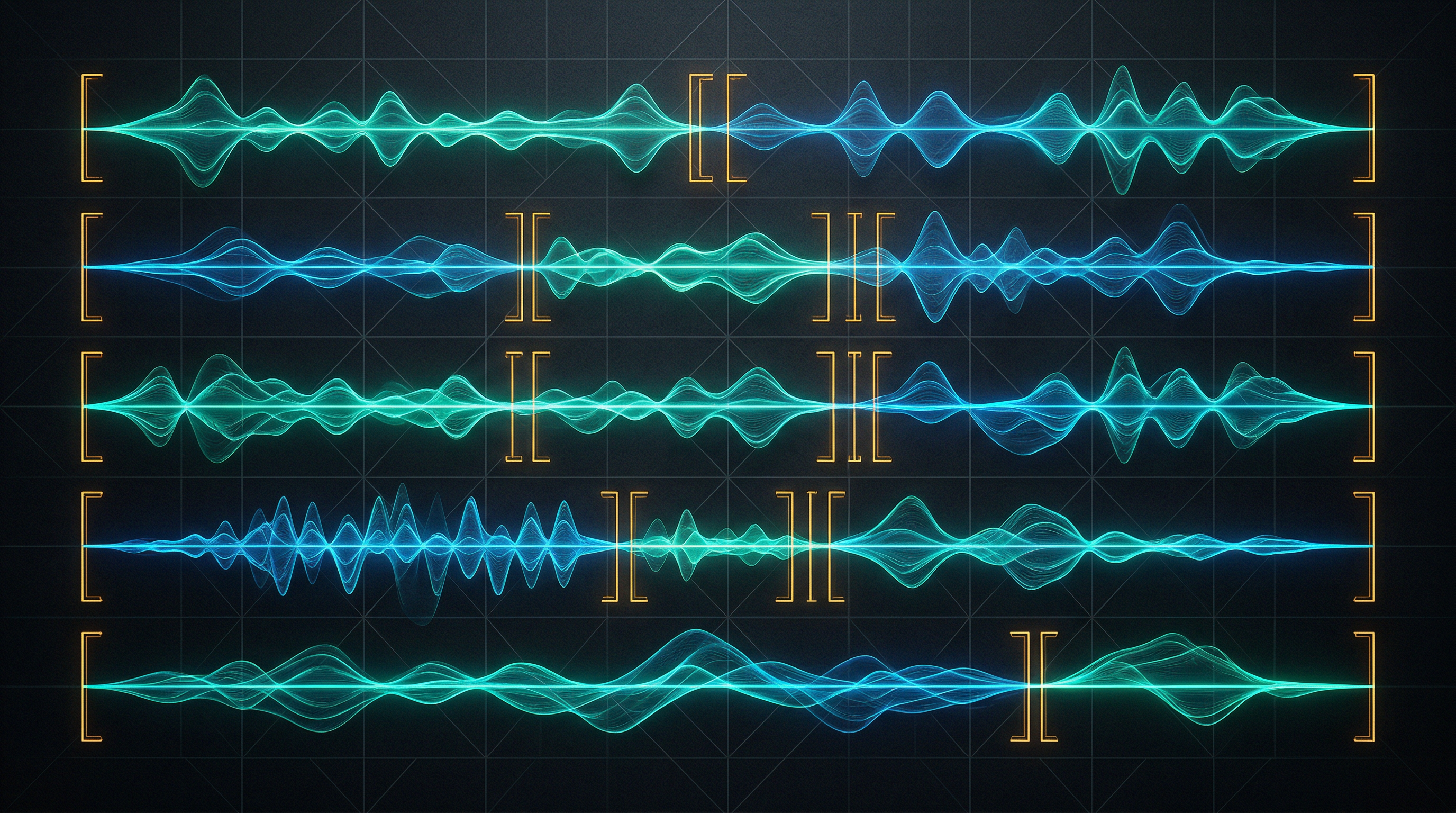
Suno Metatags: The Complete Guide to Structure Tags
Suno metatags are short bracket codes — like [Verse], [Chorus], and [Guitar Solo] — that you place in the lyrics field to guide song structure and arrangement. They tell Suno where sections begin, how to shift energy, and what kind of musical moment to build. Without them, Suno fills in structure on its own. With them, you’re steering.
This guide covers every structural tag that actually works, what belongs in the Style field vs. the lyrics field, how parentheses differ from brackets, and how to use the Exclude Styles field — one of the most underused features in Custom Mode.
If you want general prompting templates, see our AI Music Prompts guide. This article is specifically about structural tags and how to deploy them correctly.
What Suno Metatags Actually Do
Metatags work as signal tools, not commands. Suno doesn’t execute [Chorus] like a function call. Instead, the bracket signals a shift in musical expectation — higher energy, hookier phrasing, denser arrangement. The model has learned from enormous amounts of structured music that choruses sound different from verses, and your tag activates that pattern.
That’s also why verbose tags underperform. According to Jack Righteous’s comprehensive metatag research, tags work best at 1-3 words. [Chorus] outperforms [This is the main emotional chorus hook]. The model doesn’t parse long instructions inside brackets the same way it reads lyrics — it reads them as section signals, and a clear, short signal is a stronger one.
Key fact: Placement matters as much as the tag itself. A tag at the very top of the lyrics field sets a broad context for the whole song. A tag placed directly above a lyric section is a local signal — it acts on that section specifically, which is usually what you want.
The Core Structural Tags
These 8 tags are the backbone of song structure in Suno. They go in the lyrics field, each on its own line, immediately above the lyrics for that section.
| Tag | What it signals |
|---|---|
[Intro] | Opening section — establishes tone before vocals |
[Verse] | Story section — lower energy, narrative content |
[Pre-Chorus] | Transition — builds tension into the chorus |
[Chorus] | Hook section — highest local energy, most memorable lines |
[Post-Chorus] | Cooldown after chorus — keeps momentum without repeating |
[Bridge] | Contrast — shifts mood, key feel, or rhythm from the main body |
[Outro] | Closing section — signals the song is winding down |
[End] | Hard stop signal — use when you want the song to close cleanly |
Number your verses for clarity when you have more than one: [Verse 1], [Verse 2]. This helps Suno track that each verse should carry similar energy but different lyric content.
Extended Tags for Specific Moments
Beyond the core eight, Suno responds to a range of specialized section tags. These work less reliably than the core set, but they’re useful for specific arrangements.
Instrumental sections:
[Instrumental]— a purely instrumental break, no vocals[Interlude]— shorter instrumental passage between sections[Guitar Solo]— signals a lead instrument solo; works well with genre-appropriate style prompts[Solo]— generic solo signal; less specific than naming the instrument
Energy mechanics:
[Build]or[Build-Up]— rising tension, typically before a drop or chorus[Drop]— heavier impact moment; most effective in electronic genres[Breakdown]— stripped-back section, creates contrast before energy returns[Break]— rhythmic pause; useful for hip-hop and electronic structures
Hooks and repeats:
[Hook]— similar to[Chorus]but often shorter and more repetitive[Refrain]— a repeated phrase within verses, not a full chorus
Use these sparingly. Stacking four or five specialized tags in a single song creates signal overload. Suno’s training distribution works best when section signals are clear and sequential.
Build your metatag prompt free: The Music Prompt Builder at freesongwritingtools.com formats Suno prompts with the right tag structure automatically — including song sections, style field content, and platform-specific formatting.
The Style Field: Where Genre, BPM, and Key Live
The lyrics field is for structure tags and lyrics. The Style field is for everything else: genre, mood, instrumentation, tempo, key, and production character.
This distinction matters. BPM and key signature belong in the Style field only. Putting [BPM: 120] in your lyrics field doesn’t reliably control tempo — Suno isn’t reading the lyrics field for technical musical parameters. Put “120 BPM” or “tempo around 120” in the Style field alongside your genre tags.
A clean Style field prompt follows this sequence:
[Subgenre] + [mood/energy] + [key instruments] + [vocal style] + [production details] + [BPM]Example:
Indie folk, melancholic, fingerpicked acoustic guitar, warm male vocals, light reverb, 78 BPMKeep style prompts specific but not overloaded. According to the community research compiled by HookGenius, 4-8 style tags produce the best results. Too few gives Suno too much freedom. Too many creates conflicts the model resolves by averaging — which produces generic output.
Subgenres always outperform broad genres. “Darkwave synthpop” gives Suno more to work with than “electronic.” “Fingerstyle acoustic folk” beats “acoustic.” One word of subgenre is worth three words of mood description.
What Parentheses Mean (Not Instructions)
This is the most common metatag mistake: using parentheses as if they’re instruction tags. They’re not.
Parentheses in the Suno lyrics field signal sung background layers. When you write (oh yeah) or (take me home) next to a lyric line, Suno interprets that as a vocal ad-lib or background harmony — a layer sung underneath or around the main vocal line.
They’re not processing instructions. Writing (this section should have piano) in your lyrics won’t produce a piano part. It’ll produce a vocalist singing the words “this section should have piano.”
Use parentheses only for short sung additions — 1-3 words, positioned on or after a main lyric line. Example:
[Chorus]
I'm chasing the light (chasing the light)
Running out of time (running out)
That produces a call-and-response effect with a background vocal echo. Anything longer than 3-4 words risks being sung verbatim rather than used as a production cue.
What Doesn’t Work (Common Mistakes)
Verbose bracket tags. Tags over 3 words lose effectiveness. [Emotional climax building to resolution] doesn’t work the way [Chorus] does. Keep tags short.
BPM and key in the lyrics field. These parameters don’t reliably influence output from the lyrics field. Put them in Style.
Conflicting mood tags. [Mood: sad, happy, angry] asks Suno to resolve a contradiction. The model averages the signals and produces something vague. One dominant mood per section.
Over-tagging. A song with 12 different structure tags, 5 instrument tags in brackets, and mood annotations on every line has too much signal noise. The model performs better with fewer, cleaner signals.
Top-loading everything. Putting all your tags at the top of the lyrics field and leaving the rest bare means all your signals apply broadly. Local placement — right above the section they belong to — is more precise.
Relying on tags when the lyrics themselves aren’t written for the section. According to the Suno Wiki community research, “a chorus works because it’s written like a chorus, not because the bracket says so.” If your chorus lyrics read like a verse, the tag won’t compensate. Write the section content to match the section intent.
The Exclude Styles Field: The Most Underused Feature
Suno’s Exclude Styles field is available in Custom Mode via Advanced Options. It functions as a negative prompt — you list elements you don’t want in the track, and Suno deprioritizes them.
Excluded elements show up in the Song Preview sidebar with a ”-” prefix, so you can see exactly what’s being filtered. The feature works for:
- Specific instruments:
piano,electric guitar,synth bass - Genre characteristics:
lo-fi,trap beats,distorted guitar - Vocal characteristics:
autotune,falsetto,rap - Production elements:
reverb,acoustic,muffled
This is the fastest fix when Suno keeps drifting toward a sound you don’t want. If every generation of your “clean 80s pop” prompt comes out too modern or too acoustic, Exclude Styles is the right lever — not rewriting your entire style prompt.
A few guidelines from community testing:
- Keep exclusions focused: 2-3 specific items outperform a long list
- Be specific: “no electric guitar” is cleaner than “no guitar” if you still want acoustic
- Combine exclusions with positive reinforcement in the Style field. Exclude
drumsand addpercussion-freeto the Style field — both signals reinforce each other
Negative prompts in the Style field (like “no drums”) can also work, but the dedicated Exclude field is more reliable and keeps your Style prompt cleaner.
Pro Tips for Getting More from Metatags
Place tags locally, not just globally. Don’t put [Energy: High] once at the top and hope it carries through. Place energy or mood signals right before the section where you want them. Local placement is more precise.
Use [Outro] to signal endings properly. Without it, Suno sometimes keeps generating beyond a natural close or loops awkwardly. The [Outro] tag plus a few concluding lyric lines gives the model a clear landing target.
Number repeating sections. [Verse 1] and [Verse 2] signal that the song has multiple distinct verses — which reduces the chance of Suno repeating the same melodic pattern for both.
Match section length to section function. Short [Intro] sections (2-4 lines) work better than long ones. The intro’s job is to establish the palette, not develop it. [Bridge] sections that are too long lose their contrast function.
Test one variable at a time. If a generation doesn’t sound right, change one thing — not three. That’s how you learn what each tag is actually contributing. If you rewrite the style prompt, adjust the structure tags, and change the lyrics simultaneously, you can’t tell what fixed it.
Put Your Metatags to Work
Structure is half the equation. The other half is generating audio that sounds the way you actually intended. If you’re using Suno for music creation and want to go further — multi-instrumental tracks, different vocal styles, stems — Studio AI’s music generator gives you more production control over the final output.
Frequently Asked Questions
What are Suno metatags?
Suno metatags are short bracket codes — like [Verse], [Chorus], or [Guitar Solo] — placed in the lyrics field to signal song structure to Suno’s AI. They guide how the model organizes sections, shifts energy, and builds arrangement. The term is informal; Suno’s documentation calls them “structure tags” or “style tags” depending on context.
Do Suno metatags always work?
Not consistently. Structure tags function as signals, not commands. Suno interprets them based on its training patterns, but the model “has a mind of its own” when it comes to structure — as noted in Suno’s own community documentation. Tags work best when they’re short (1-3 words), placed locally above the section they apply to, and supported by lyrics that match the intended section type.
Where do BPM and key go in Suno — lyrics or style field?
BPM and key signature belong in the Style field only. Writing [BPM: 120] in the lyrics field doesn’t reliably control tempo. Put “120 BPM” or “key of A minor” in the Style field alongside your genre and mood tags.
What do parentheses mean in Suno lyrics?
Parentheses signal sung background layers — ad-libs, harmonies, or vocal echoes. Writing (oh yeah) next to a lyric line tells Suno to add a background vocal singing those words. They are not processing instructions. Anything you write in parentheses will be treated as something to be sung, not as a directive to the model.
What is the Exclude Styles field in Suno?
The Exclude Styles field is a negative prompt feature in Suno’s Custom Mode, accessible via Advanced Options. You list elements you don’t want — specific instruments, genres, or vocal styles — and Suno deprioritizes them. It’s most useful when your generations keep drifting toward a sound you’re trying to avoid. Keep exclusions focused to 2-3 specific items for best results.
How many metatags should I use in one song?
Use the core structural tags ([Intro], [Verse], [Chorus], [Bridge], [Outro]) as your foundation. Add 1-2 specialized tags only where they serve a specific function. More than 5-6 different structure tags in a single song creates signal noise that leads to inconsistent output. Fewer, cleaner signals consistently outperform dense tag stacks.